Thai font · OFL
Noto Serif Thai
โนโต เซอริฟ ไทย

Information verified as of September 2026
อ่านหน้า ฟอนต์ Noto Serif Thai เป็นภาษาไทย — พร้อมลิงก์ดาวน์โหลดและวิธีติดตั้ง →
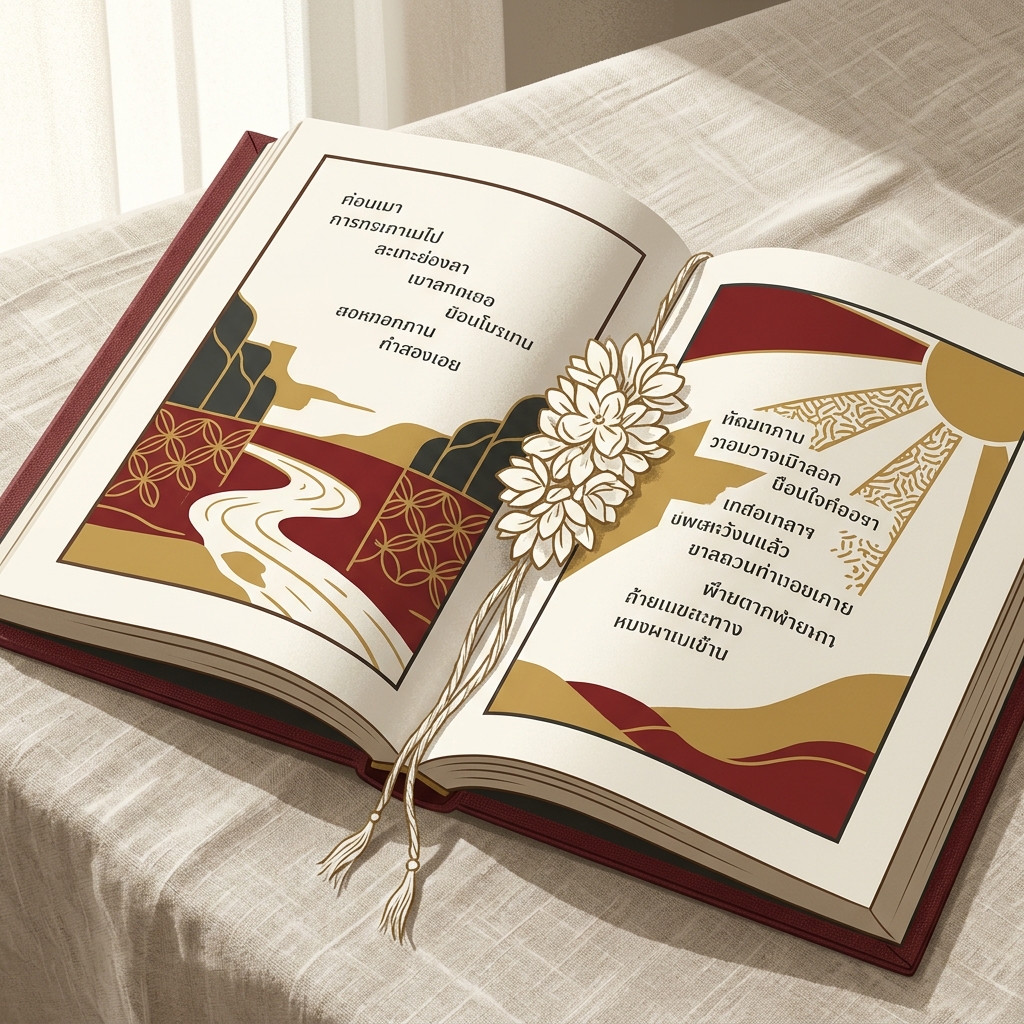
Download Noto Serif Thai — free →
How to install & use
- Windows — Download the .zip, unzip it, then right-click the .ttf/.otf file → “Install”.
- macOS — Double-click the .ttf/.otf file, then click “Install Font” in Font Book.
- Web — Embed from Google Fonts with a <link> tag or @import — grab the snippet on the specimen page.
Try Noto Serif Thai
Type your own text to preview Noto Serif Thai live. Adjust size and weight, then grab the embed code.
What Noto Serif Thai is
Noto Serif Thai is the serif member of Google and Adobe’s Noto family for the Thai script, designed as the editorial and long-form companion to Noto Sans Thai with matched vertical metrics and licensing. It ships as a variable font across nine weights from Thin to Black and is released under the SIL Open Font License. The Google Fonts metadata credits the designer as “Google”, files it under SERIF, dates its Google Fonts release to 19 November 2020, and lists one variable file, NotoSerifThai[wdth,wght].ttf, with a width axis of 62.5–100 and a weight axis of 100–900; Google’s own description calls it “a modulated (serif) design for texts in the Southeast Asian Thai script”.
Serif Thai is a relatively recent construct — Thai script evolved without a Western-style serif tradition — so “Thai serif” usually means a typeface that keeps the traditional loop (หัว) on consonants but adds subtle terminal modulation and stroke contrast borrowed from Latin serif conventions. Noto Serif Thai follows this approach: looped consonants, measured stroke contrast, and generous but not dramatic terminals.
The result is the most technically polished free Thai serif available, which is why it shows up in news archives, academic publishing, and bilingual reference sites.
Character design and tone
Noto Serif Thai keeps the traditional circular loops on consonants like ก, ถ and ภ but modulates stroke weight so thin strokes contrast clearly against thicker verticals, producing a quiet editorial texture on a page of body copy. The contrast is moderate — roughly 1:2 between thin and thick — which matches the Latin Noto Serif.
Terminal shapes on ก and ง are softly rounded rather than cupped, which keeps the face feeling contemporary rather than antique. Vowel marks (สระอี, สระอา) and tone marks are drawn with matching contrast, so the page texture reads uniformly at body sizes.
The Latin companion is Noto Serif, a well-mannered transitional serif in the Times / Source Serif neighbourhood. Cap heights and x-heights align with Noto Sans Thai, so a designer can switch between sans and serif within the same layout without optical jumps.
Weights and availability
Noto Serif Thai ships nine weights from Thin (100) to Black (900) as a variable font, plus static files for each weight. Download from Google Fonts or the Noto GitHub repo.
Italic cuts are not part of the current release for the Thai script — Thai typography does not traditionally use italic as a separate style, so oblique variants are rarely drawn. For emphasis, designers typically reach for a heavier weight rather than an italic. File sizes are around 50-70KB per static weight in WOFF2.
How to download and install Noto Serif Thai
Noto Serif Thai is a free download from Google Fonts with no sign-up: “Get font” then “Download all” gives you a ZIP containing the variable file NotoSerifThai[wdth,wght].ttf plus a static/ folder with nine fixed weights. Use the variable file for the web and Figma; install the static files for Word, PowerPoint, Canva and other apps that expect fixed style names. MDN’s variable fonts guide explains the difference: one file holding every permutation versus one file per style.
- Google Fonts — the specimen page, or embed with
https://fonts.googleapis.com/css2?family=Noto+Serif+Thai:[email protected]&display=swap - GitHub — the notofonts/thai repository builds releases automatically and states “This Font Software is licensed under the SIL Open Font License, Version 1.1.”
- Windows / macOS — right-click the .ttf and choose Install, or double-click and press Install in Font Book
- Google Docs, Canva, Figma — Figma includes Google fonts by default; Google Docs adds it through the More fonts dialog, which Google documents as available for Thai; in Canva filter fonts by language, or upload the static TTFs on a paid plan
- PowerPoint hand-offs — File → Options → Save → Embed fonts in the file, per Microsoft; the OFL permits embedding
Thai-speaking readers will find the full guide, including Word’s Complex scripts setting, on the Thai-language page for Noto Serif Thai.
Best use cases
Noto Serif Thai is built for long-form Thai reading: books, long articles, academic content, bilingual editorial. Strong briefs:
- Thai-language news sites and online magazines, especially when paired with English
- Academic journals, university publications, and research papers
- E-book and EPUB body text for Thai novels and non-fiction
- Bilingual reference sites (Wikipedia-style, knowledge bases)
- Government white papers and policy publications that want a more editorial voice than Sarabun
Where it doesn’t fit: UI and product interfaces (sans is almost always better for UI), display and poster work (reach for Charm or Pridi Medium/Bold), and brands where the serif reads as “corporate safe” rather than “considered”.
Pairings
Noto Serif Thai pairs best with its Noto Sans sibling or with other editorial sans-serifs that share its proportions. Three pairings:
- Noto Sans Thai — the intended sibling pairing, matched by design
- Source Sans 3 — Adobe’s humanist sans for headlines above Noto Serif Thai body
- IBM Plex Sans — cleaner corporate sans for captions and UI around serif body
Licensing
Noto Serif Thai is released under the SIL Open Font License and is free for commercial use, modification, and bundling. Verify at the Google Fonts specimen or the Noto GitHub repository. The SIL OFL permits bundling in products and web fonts in commercial sites without attribution in the product itself, though the licence file must travel with the font file.
Frequently asked questions about Noto Serif Thai
The questions people searching for Noto Serif Thai ask most are whether it is looped, whether commercial use is allowed, and which weight to set body text in; the short, sourced answers are below.
Is Noto Serif Thai looped or loopless?
Looped. The consonants keep the traditional head loops, which puts it alongside Noto Sans Thai Looped rather than the loopless Noto Sans Thai. It is the only member of the Noto Thai set with stroke contrast.
Can I use Noto Serif Thai commercially?
Yes. The OFL FAQ allows use in any design work including logos (1.1), embedding in PDFs and documents (1.12) and webfont use (2.1); attribution is appreciated but not required. The one restriction is that the font files may not be sold on their own (1.5–1.6). See the Thai font licensing guide.
Which weight should I use for body text?
Regular (400) at 10–11pt in print; Regular to Medium (500) at 17–19px on screen, because the thin strokes of a serif fade on screens faster than a sans. Reserve Thin (100) and Black (900) for large display sizes.
Frequently asked questions about Noto Serif Thai
Is Noto Serif Thai free for commercial use?
Yes — Noto Serif Thai is free for both personal and commercial use under the SIL Open Font License (OFL). You can use it in client work, apps, products, and websites at no cost, and self-host or embed it from Google Fonts. The only OFL condition is that you don’t sell the font files on their own.
How many weights does Noto Serif Thai have?
Noto Serif Thai ships in 9 weights: Thin, ExtraLight, Light, Regular, Medium, SemiBold, Bold, ExtraBold, Black. Pick a heavier weight for display and headlines, and a Regular or lighter weight for body text and long-form reading.
Does Noto Serif Thai support Latin and English characters?
Yes — Noto Serif Thai includes a Latin character set alongside Thai, so it can set English and Thai in one typeface. That makes it a practical choice for bilingual branding, packaging, and UI.
Where can I download Noto Serif Thai?
Download Noto Serif Thai free from Google Fonts. You can install the desktop files, self-host the WOFF2 files, or embed it directly with a <link> tag or @import — grab the embed code from the live preview above.
What fonts are similar to Noto Serif Thai?
The closest alternatives to Noto Serif Thai are Pridi, Taviraj, Niramit. They share a similar style and use case, so they’re the first faces to compare if you need a different weight range, license, or price.
Who designed Noto Serif Thai?
Noto Serif Thai was designed by Google / Adobe Type Team at Google / Adobe, released in 2014. Full designer credit and the primary source are listed at the bottom of this page.
Information verified as of September 2026
Sources
- Noto Serif Thai is part of the Noto typeface family from Google and Adobe, covering Thai script with a matched serif design.—Google Noto Fonts project site (accessed Apr 10, 2026)
- Noto Serif Thai is released under the SIL Open Font License and ships on Google Fonts as a variable font.—Google Fonts specimen page for Noto Serif Thai (accessed Apr 10, 2026)
- Google Fonts METADATA.pb for Noto Serif Thai: designer 'Google', licence OFL, category SERIF, added 2020-11-19, a single variable file NotoSerifThai[wdth,wght].ttf with a width axis 62.5–100 and a weight axis 100–900, subsets Latin, Latin Extended, Thai.—google/fonts repository — ofl/notoserifthai/METADATA.pb (accessed Sep 8, 2026)
- Google Fonts describes Noto Serif Thai as 'a modulated (serif) design for texts in the Southeast Asian Thai script' with multiple weights and widths, part of the Noto collection.—google/fonts repository — ofl/notoserifthai/DESCRIPTION.en_us.html (accessed Sep 8, 2026)
- The notofonts/thai repository states 'This Font Software is licensed under the SIL Open Font License, Version 1.1', builds fonts automatically with GitHub Actions and publishes them under Releases.—notofonts/thai repository README (accessed Sep 8, 2026)
- MDN: with a variable font all weight/width/style permutations are contained in a single file, whereas a static typeface ships a separate file per style; with variable fonts any font-weight value from 1 to 1000 is valid.—MDN Web Docs — Variable fonts guide (accessed Sep 8, 2026)
- OFL FAQ: fonts under the OFL may be used for any kind of design work including logos (1.1); the fonts may not be sold by themselves but may be bundled with software or documents (1.4–1.6); embedding in PDF is allowed (1.12); webfont use via @font-face is explicitly allowed (2.1); crediting the author is appreciated but not required.—SIL Open Font License — OFL FAQ (accessed Sep 8, 2026)
- Word and PowerPoint (Microsoft 365 on Windows and Mac, PowerPoint 2021/2024, Word 2016–2021) can embed fonts via File > Options > Save > 'Embed fonts in the file'; not all TrueType fonts can be embedded, depending on the embeddability level set by the font maker.—Microsoft Support — Benefits of embedding custom fonts (accessed Sep 8, 2026)
- Figma states 'By default, Figma includes Google fonts and Apple fonts in files'; locally installed .TTF/.OTF fonts require the Figma font installer in the browser (built into the desktop app) and appear under the 'Installed by you' filter.—Figma Help Center — Add a font to Figma (accessed Sep 8, 2026)
- Google Docs Editors Help states 'In some languages, you can add new fonts to your font list' through the More fonts dialog; Thai is included in the list of supported languages.—Google Docs Editors Help — Change how paragraphs & fonts look (accessed Sep 8, 2026)