Thai font · OFL
Anuphan
อนุพันธ์

Information verified as of August 2026
อ่านหน้า ฟอนต์ Anuphan เป็นภาษาไทย — พร้อมลิงก์ดาวน์โหลดและวิธีติดตั้ง →
How to install & use
- Windows — Download the .zip, unzip it, then right-click the .ttf/.otf file → “Install”.
- macOS — Double-click the .ttf/.otf file, then click “Install Font” in Font Book.
- Web — Embed from Google Fonts with a <link> tag or @import — grab the snippet on the specimen page.
Try Anuphan
Type your own text to preview Anuphan live. Adjust size and weight, then grab the embed code.
What Anuphan is
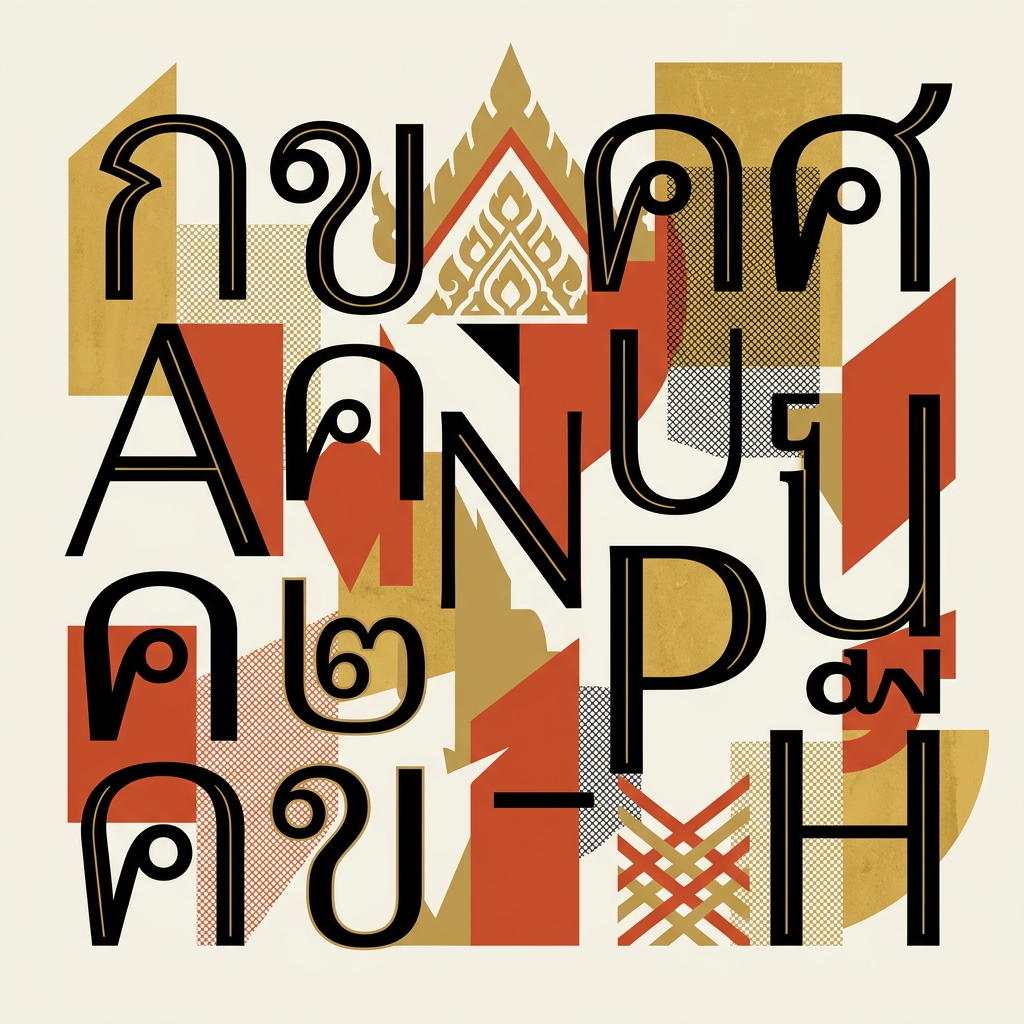
Anuphan is a loopless Thai sans-serif from Cadson Demak, drawn as an independent Thai counterpart to IBM Plex. It ships seven weights in a single variable font, free on Google Fonts under the SIL Open Font License. Its Thai name is อนุพันธ์, as catalogued by ThaiFaces.
The project has an unusually candid origin note. The description shipped with the font on Google Fonts states it was intended for self-improvement and educational purposes — a designer’s study exercise that ended up in production distribution. Critically, Anuphan is not a modification of IBM Plex Sans Thai. Per the project documentation, every Thai outline was drawn from the Latin version of IBM Plex Sans, working out what Plex’s engineered Latin logic would look like if a Thai script had been built from it directly.
The designer credit takes two forms depending on the source: the Google Fonts description names Mint Tantisuwanna, a type designer at Cadson Demak, while ThaiFaces records the Thai name กรกนก ตันติสุวรรณนา and dates the entry 18 December 2019. Google Fonts added Anuphan to its catalogue on 23 February 2023, per the METADATA.pb entry.
Anuphan’s weights — SemiBold exists, ExtraBold does not
Anuphan covers seven weights, Thin (100) through Bold (700). Anuphan SemiBold is weight 600 and is a real cut; Anuphan ExtraBold (800) and Black (900) do not exist, because the variable weight axis stops at 700. Confirmed by the METADATA.pb file in the google/fonts repository, which declares the wght axis range as 100–700.
| Weight | CSS value | In the family |
|---|---|---|
| Anuphan Thin | 100 | Yes |
| Anuphan ExtraLight | 200 | Yes |
| Anuphan Light | 300 | Yes |
| Anuphan Regular | 400 | Yes |
| Anuphan Medium | 500 | Yes |
| Anuphan SemiBold | 600 | Yes |
| Anuphan Bold | 700 | Yes |
| Anuphan ExtraBold | 800 | No |
| Anuphan Black | 900 | No |
The 700 ceiling is worth knowing before you start. Families like Noto Sans Thai and Kanit run to Black (900); Anuphan stops at Bold, so there is no heavyweight cut for posters or packaging, and no italic either. If a design tool offers “Anuphan ExtraBold”, that is faux bold generated by thickening outlines — and on Thai it crowds the space around vowel signs and tone marks until legibility suffers.
The upside of the variable build is intermediate weights: font-variation-settings: 'wght' 550; gives you a step between Medium and SemiBold without loading another file.
Where to download Anuphan free
Anuphan is a free download from Google Fonts: take the family ZIP with all seven static weights, or the single variable file covering the full 100–700 range. No registration, no payment.
- Google Fonts ZIP — open the Anuphan specimen, click “Get font”, and download the family ZIP.
- CSS embed — load
https://fonts.googleapis.com/css2?family=Anuphan:[email protected]&display=swapin a<link>tag, then setfont-family: 'Anuphan', sans-serif;. - GitHub source — the cadsondemak/Anuphan repository holds the source files under OFL-1.1 for self-hosting or modification.
Set your own Thai copy against other families in our Thai font tester.
Is Anuphan free for commercial use?
Yes. Anuphan is released under the SIL Open Font License, which permits use, embedding, modification and redistribution at no cost, commercial work included. Self-hosting the variable file in a commercial product requires no permission and no fee.
That covers client work, product interfaces, packaging, signage, webfonts and app embedding. What it excludes: selling the font files on their own, and applying the original Reserved Font Name to a modified version. See our Thai font licensing guide for the practical detail.
Character design and tone
Anuphan reads as engineered rather than expressive: loopless heads, low stroke contrast, and squared joins carried over from the IBM Plex Sans Latin it was drawn from. Consonants that traditionally carry a circular head — ม, บ, ภ — open into simplified hooks instead.
The result is closer to a Latin grotesque wearing Thai proportions than to a humanist Thai sans. Curves are tense, counters are open, and the vertical rhythm is even enough that mixed Thai-English paragraphs hold a single texture. That bilingual evenness is the design’s whole argument. Where Kanit brings geometric personality and Noto Sans Thai brings deliberate neutrality, Anuphan brings Plex’s drafting-table character: technical, slightly cool, consistent at small sizes.
The trade-off is warmth. Anuphan has little of it, and projects that want a friendly consumer tone will find it stiff — Prompt is the better fit there.
Anuphan versus IBM Plex Sans Thai
Both sit in the Plex orbit, but IBM Plex Sans Thai is the Thai script developed officially within the IBM Plex system, while Anuphan is an independent redraw of Thai from Plex’s Latin, not a modification of the existing Thai files. The difference is provenance, not just appearance.
- Choose IBM Plex Sans Thai when your design system is formally tied to IBM Plex
- Choose Anuphan when you want a technical loopless Thai plus the convenience of one variable file
- Choose Noto Sans Thai when you need neutrality and weights up to Black
More options in our loopless Thai fonts category.
Best use cases
Anuphan fits product interfaces, developer documentation, and bilingual corporate sites where Thai text must match the discipline of IBM Plex or a similar engineered Latin. Strong briefs:
- Dashboards and admin interfaces with mixed Thai-English labels
- Technical documentation and API references for Thai-market software
- Fintech and enterprise products already standardised on IBM Plex
- Data-dense layouts where the variable weight axis earns its keep
Where it fails: anything that needs an italic (there is none), display work above Bold weight, and formal print contexts that still expect looped letterforms — Sarabun or another looped face belongs there instead.
Pairings
Anuphan pairs most naturally inside the Plex orbit, with a Thai serif added for editorial contrast. Three combinations:
- IBM Plex Sans Thai — the obvious sibling for full bilingual design systems
- Noto Serif Thai — headline serif over Anuphan body for report and editorial layouts
- Sarabun — a softer looped alternate body when Anuphan runs too cool
The Thai typography guide covers loopless pairing logic in detail, and the full Thai font library has the rest of the field.
Licensing
Anuphan is released under the SIL Open Font License: free for commercial use, modification, embedding, and bundling, provided the OFL notice stays with the files. Verify at the Google Fonts specimen or the GitHub repository, which states OFL-1.1.
Frequently asked questions about Anuphan
Is Anuphan free for commercial use?
Yes — Anuphan is free for both personal and commercial use under the SIL Open Font License (OFL). You can use it in client work, apps, products, and websites at no cost, and self-host or embed it from Google Fonts. The only OFL condition is that you don’t sell the font files on their own.
How many weights does Anuphan have?
Anuphan ships in 7 weights: Thin, ExtraLight, Light, Regular, Medium, SemiBold, Bold. Pick a heavier weight for display and headlines, and a Regular or lighter weight for body text and long-form reading.
Does Anuphan support Latin and English characters?
Yes — Anuphan includes a Latin character set alongside Thai, so it can set English and Thai in one typeface. That makes it a practical choice for bilingual branding, packaging, and UI.
Where can I download Anuphan?
Download Anuphan free from Google Fonts. You can install the desktop files, self-host the WOFF2 files, or embed it directly with a <link> tag or @import — grab the embed code from the live preview above.
What fonts are similar to Anuphan?
The closest alternatives to Anuphan are IBM Plex Sans Thai, Noto Sans Thai, DB Helvethaica X. They share a similar style and use case, so they’re the first faces to compare if you need a different weight range, license, or price.
Who designed Anuphan?
Anuphan was designed by Mint Tantisuwanna (Cadson Demak) at Cadson Demak, released in 2023. Full designer credit and the primary source are listed at the bottom of this page.
Information verified as of August 2026
Sources
- Anuphan is a loopless version of IBM Plex Sans Thai developed by Mint Tantisuwanna, a type designer at Cadson Demak, with all Thai outlines based solely on the Latin version of IBM Plex Sans, and it is not a modification of IBM Plex Sans Thai.—google/fonts repository — ofl/anuphan/DESCRIPTION.en_us.html (accessed Aug 5, 2026)
- The Google Fonts METADATA.pb for Anuphan lists a single variable file, Anuphan[wght].ttf, with a weight axis running 100 to 700; designer Cadson Demak; licence OFL; category sans-serif; date_added 2023-02-23; subsets Latin, Latin Extended, Menu, Thai and Vietnamese. No weight above 700 exists.—google/fonts repository — ofl/anuphan/METADATA.pb (accessed Aug 5, 2026)
- The Anuphan project is published as open source by Cadson Demak under OFL-1.1.—Cadson Demak Anuphan repository on GitHub (accessed Aug 5, 2026)
- ThaiFaces catalogues the font under the Thai name อนุพันธ์, credited to กรกนก ตันติสุวรรณนา of คัดสรร ดีมาก (Cadson Demak), dated 18 December 2019, classified as a loopless (ไม่มีหัวขมวด) display typeface.—ThaiFaces — Anuphan entry (accessed Aug 5, 2026)
- Anuphan is available on Google Fonts as a free variable sans-serif with a single axis.—Google Fonts specimen page for Anuphan (accessed Aug 5, 2026)