Thai font · OFL
Trirong
ไตรรงค์

Information verified as of August 2026
อ่านหน้า ฟอนต์ Trirong เป็นภาษาไทย — พร้อมลิงก์ดาวน์โหลดและวิธีติดตั้ง →
How to install & use
- Windows — Download the .zip, unzip it, then right-click the .ttf/.otf file → “Install”.
- macOS — Double-click the .ttf/.otf file, then click “Install Font” in Font Book.
- Web — Embed from Google Fonts with a <link> tag or @import — grab the snippet on the specimen page.
Try Trirong
Type your own text to preview Trirong live. Adjust size and weight, then grab the embed code.
What Trirong is
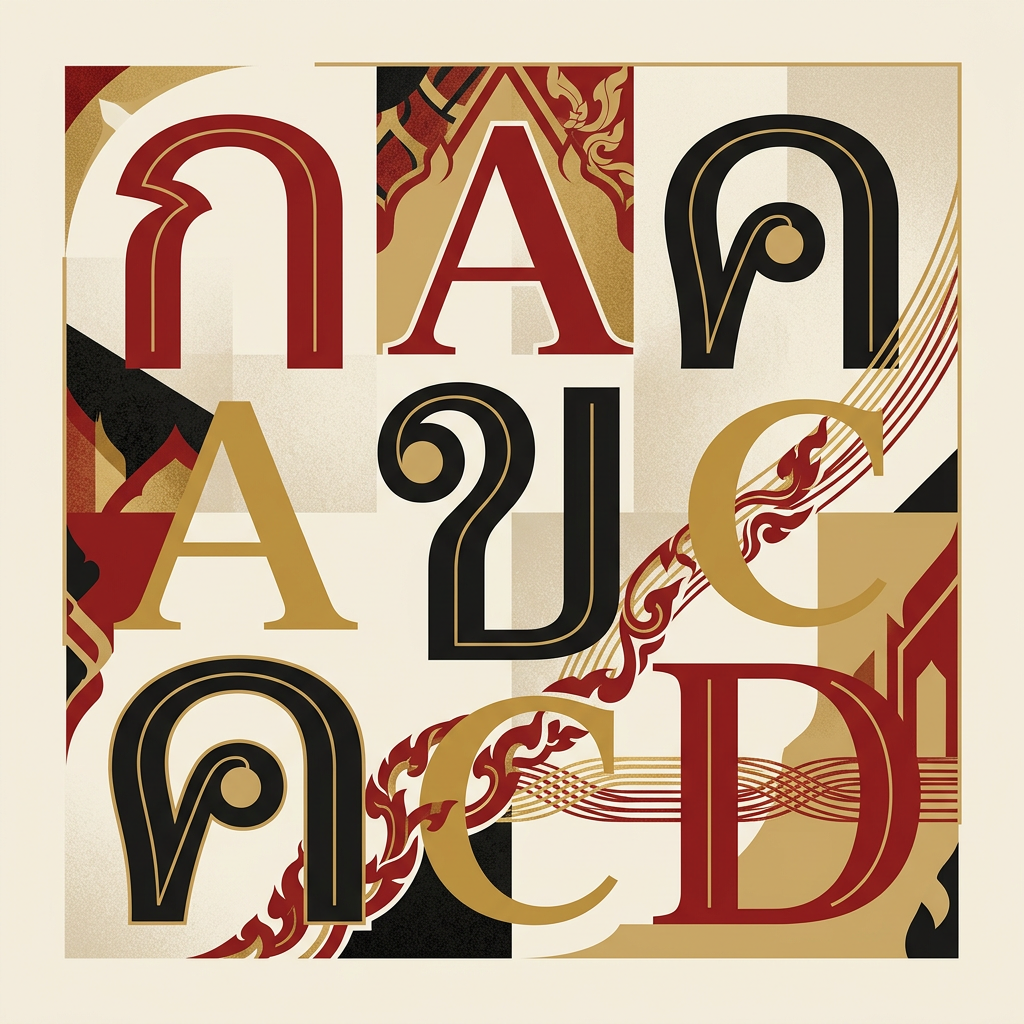
Trirong (ไตรรงค์) is a looped Thai serif from Cadson Demak, on Google Fonts since 20 June 2016 with nine weights and matching italics — 18 styles in total — free to download and free for commercial use under the SIL Open Font License. The name means “tricolor flag” in Thai and refers to the red, white and blue flag of Thailand (Google Fonts metadata, accessed 5 August 2026).
Cadson Demak drew Trirong with a narrow, tall structure that echoes traditional Thai typefaces, saving space through an oval-shaped looped terminal. The compressed proportions buy horizontal room without giving up the looped consonant heads Thai readers expect in formal text (Google Fonts description, accessed 5 August 2026).
Trirong belongs to the same group as Taviraj, Pridi and Maitree — the looped serifs the Bangkok foundry contributed during Google Fonts’ Thai expansion of the mid-2010s. Sources are open in the foundry’s own repository at cadsondemak/trirong.
Trirong weights: 9 weights, 18 styles
Trirong ships nine weights from Thin (100) to Black (900), each with a true italic — 18 styles, all included in the single ZIP you download from Google Fonts (METADATA.pb, accessed 5 August 2026).
| Weight | CSS value | File name | What it’s for |
|---|---|---|---|
| Thin | 100 | Trirong-Thin.ttf | Very large display headlines only |
| ExtraLight | 200 | Trirong-ExtraLight.ttf | Airy headlines, ceremonial print |
| Light | 300 | Trirong-Light.ttf | Standfirsts and large secondary text |
| Regular | 400 | Trirong-Regular.ttf | Body text — the most-used cut |
| Medium | 500 | Trirong-Medium.ttf | Subheads and light emphasis |
| SemiBold | 600 | Trirong-SemiBold.ttf | Editorial headings |
| Bold | 700 | Trirong-Bold.ttf | Primary headlines and emphasis |
| ExtraBold | 800 | Trirong-ExtraBold.ttf | Heavy headlines in narrow columns |
| Black | 900 | Trirong-Black.ttf | Heaviest display use, sparingly |
Italics follow the same file-naming pattern: Trirong-Italic.ttf for Regular Italic, Trirong-BoldItalic.ttf for Bold Italic, and so on.
For most editorial work Trirong Regular carries body text, SemiBold takes subheads and Bold takes headlines — those three cover the hierarchy. The outer weights are display material. Google Fonts warns in its own notes that formal looped Thai faces carry delicate details heavy weights can obscure, and Black shows it: loops tighten and contrast flattens. At the other end, Thin and ExtraLight run close to hairline.
How to download Trirong
Trirong is a free download from Google Fonts — no registration, no payment, full commercial rights under the SIL Open Font License. Three routes:
- Google Fonts download — open the Trirong specimen, click “Get font”, and download the ZIP with all 18 static styles. Then install: on Windows, right-click the .ttf and choose Install; on macOS, double-click and click Install Font in Font Book.
- Google Fonts embed — put
<link href="https://fonts.googleapis.com/css2?family=Trirong:ital,wght@0,100..900;1,100..900&display=swap" rel="stylesheet">in your<head>, then setfont-family: 'Trirong', serif;in CSS. - GitHub source — the google/fonts repository hosts all 18 TTFs plus the OFL license file for self-hosting with
@font-face; the foundry’s upstream repository is cadsondemak/trirong.
There is no reason to use a third-party font-aggregator download. The Google Fonts and GitHub files are the same official set, and always the current version.
Can Trirong be used commercially?
Yes. Trirong is released under the SIL Open Font License, so it is free for commercial use — client work, logos, products for sale, websites and apps — with no licence fee and no permission request (METADATA.pb lists license: OFL, accessed 5 August 2026).
Three OFL conditions are worth knowing:
- You may not sell the font files on their own (selling work made with the font is fine; selling the font is not)
- If you redistribute the font files, the OFL notice must travel with them
- If you modify and release the font, you must rename it, and the derivative stays under the OFL
There is no paid tier and no “Pro” version to buy. See our Thai font licensing guide for how OFL, system fonts and commercial foundry licences differ.
Character design and tone
Trirong combines thick-and-thin stroke contrast with a narrow, tall letter skeleton; loop terminals are drawn as ovals rather than circles, which keeps counters open at text sizes. The oval loops on ก, ถ and ภ are the design’s signature — they compress the loop vertically so the narrow body still reads clearly.
The contrast gives Trirong a formal register closer to Pridi than to any sans, but the condensed skeleton makes it feel more official and less literary. Google’s design notes add a second caution: the similarity between glyphs such as ก ถ ภ ฤ ฦ, and between ฎ and ฏ, has to be taken into consideration when typesetting — particularly at small sizes or heavy weights (DESCRIPTION.en_us.html, accessed 5 August 2026).
The Latin companion is a serif with matching contrast, and subsets cover latin, latin-ext and Vietnamese alongside Thai. Bilingual formal documents hold together because Thai and Latin share the same stroke logic.
Trirong compared with the other free Thai serifs
Among free, commercially usable looped Thai serifs, Trirong offers the most styles and the narrowest letterform.
| Font | Weights | Italics | Character |
|---|---|---|---|
| Trirong | 9 | Yes, all | Narrow, tall, formal, official in register |
| Taviraj | 9 | Yes, all | Wider formal serif, easier in long body text |
| Pridi | 6 | No | Formal but literary, middling proportions |
| Maitree | 6 | No | Gentle text serif built for sustained reading |
| Noto Serif Thai | 9 | No | The most neutral, with the widest glyph coverage |
| Charm | 2 | No | Display serif with strong personality, not for body text |
How to choose: pick Trirong when you need italics and narrow columns; Taviraj or Maitree for comfortable long reading; Noto Serif Thai for neutrality and coverage. Full lists sit in the serif category and the free Thai fonts category.
Best use cases
Trirong fits formal Thai print where horizontal economy matters: certificates, programmes, institutional reports, and editorial headlines that need looped authority in tight columns. Strong briefs:
- Certificates, diplomas and ceremonial print where looped Thai signals respect for convention
- Magazine and newspaper headlines where the narrow body buys characters per line
- Bilingual Thai-Latin annual reports and institutional publications
- Government-adjacent identity work that needs formality without Angsana-era nostalgia
- Book covers and chapter openers that want clear stroke contrast
Where it doesn’t fit: interface text and small screen sizes, where the hairlines thin and tight counters break down; long body text below Light at print sizes; and modern consumer branding, which usually calls for a loopless sans like Kanit.
Pairings
Trirong pairs with low-contrast Thai sans faces that let its formal serif texture lead. Three pairings:
- Kanit — geometric loopless sans for subheads and captions under Trirong headlines
- Sarabun — neutral looped sans for forms, tables and body text below Trirong display
- Maitree — a text serif from the same foundry, when headline and body should stay inside one Thai serif tradition
See our Thai typography guide for pairing guidance and the fonts directory for the full catalogue.
Licensing
Trirong is released under the SIL Open Font License: free for commercial use, modification, embedding and bundling, provided the OFL notice stays with the files. The license file ships in the google/fonts repository next to the TTFs, and the Google Fonts specimen states the same terms. No paid tier exists.
Frequently asked questions about Trirong
Is Trirong free for commercial use?
Yes — Trirong is free for both personal and commercial use under the SIL Open Font License (OFL). You can use it in client work, apps, products, and websites at no cost, and self-host or embed it from Google Fonts. The only OFL condition is that you don’t sell the font files on their own.
How many weights does Trirong have?
Trirong ships in 9 weights: Thin, ExtraLight, Light, Regular, Medium, SemiBold, Bold, ExtraBold, Black. Pick a heavier weight for display and headlines, and a Regular or lighter weight for body text and long-form reading.
Does Trirong support Latin and English characters?
Yes — Trirong includes a Latin character set alongside Thai, so it can set English and Thai in one typeface. That makes it a practical choice for bilingual branding, packaging, and UI.
Where can I download Trirong?
Download Trirong free from Google Fonts. You can install the desktop files, self-host the WOFF2 files, or embed it directly with a <link> tag or @import — grab the embed code from the live preview above.
What fonts are similar to Trirong?
The closest alternatives to Trirong are Taviraj, Pridi, Noto Serif Thai. They share a similar style and use case, so they’re the first faces to compare if you need a different weight range, license, or price.
Who designed Trirong?
Trirong was designed by Cadson Demak at Cadson Demak, released in 2016. Full designer credit and the primary source are listed at the bottom of this page.
Information verified as of August 2026
Sources
- Google Fonts metadata lists Trirong as designed by Cadson Demak, licensed OFL, category SERIF, added 2016-06-20, with subsets latin, latin-ext, menu, thai and vietnamese, and 18 font entries from weight 100 to 900 with matching italics.—Google Fonts metadata for Trirong (google/fonts repository, METADATA.pb) (accessed Aug 5, 2026)
- Google Fonts describes Trirong as a serif Latin and looped Thai typeface whose name means 'tricolor flag', characterised by thick and thin strokes and a narrow, tall structure echoing traditional Thai typefaces, saving space through its oval-shape looped terminal; it also warns that the similarity between glyphs such as ก ถ ภ ฤ ฦ and between ฎ and ฏ must be taken into consideration, and that formal looped Thai typefaces have delicate details that heavy weights can obscure.—Google Fonts description for Trirong (google/fonts repository, DESCRIPTION.en_us.html) (accessed Aug 5, 2026)
- The Trirong project is led by Cadson Demak, a type foundry in Thailand, and its sources are published in the cadsondemak/trirong repository.—Cadson Demak — Trirong project repository (accessed Aug 5, 2026)